Available now · Microsoft Store

Windows desktop studio
Windows 11 25H2+ · x64
Deskloom
Weave your desktop into one scene.
Deskloom brings dynamic wallpaper, taskbar styles, desktop widgets, icon groups, and cursor themes together in scenes you can save—and safely restore.
WALLPAPER
Dynamic
TASKBAR
Floating Dock
WORKSPACE
Organized
Store release screenshots
The real desktop experience, from scene to workspace.
These are the official Microsoft Store release screenshots. All five built-in scenes ship with the app—no online gallery required.
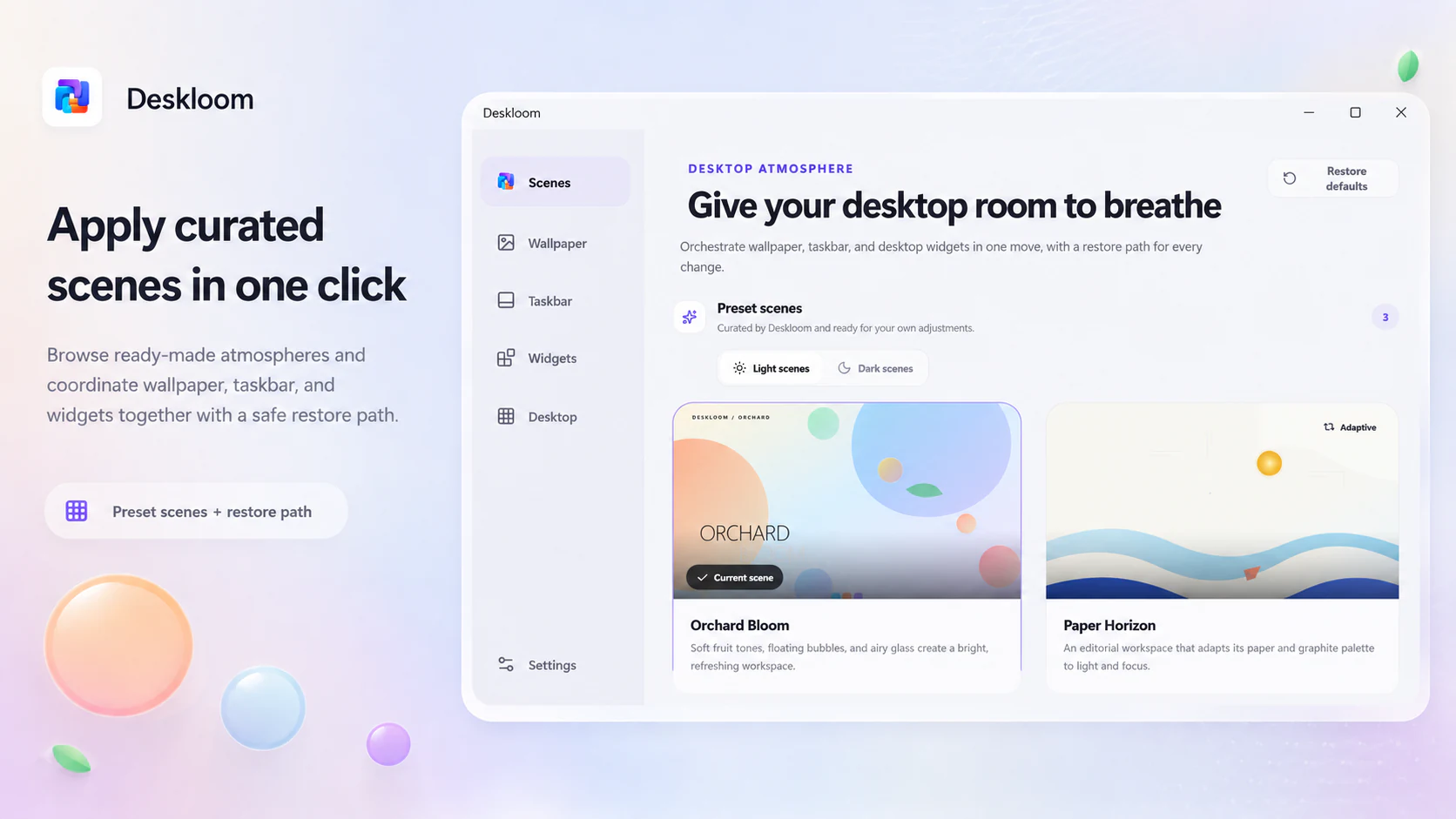
One-click scene control center
02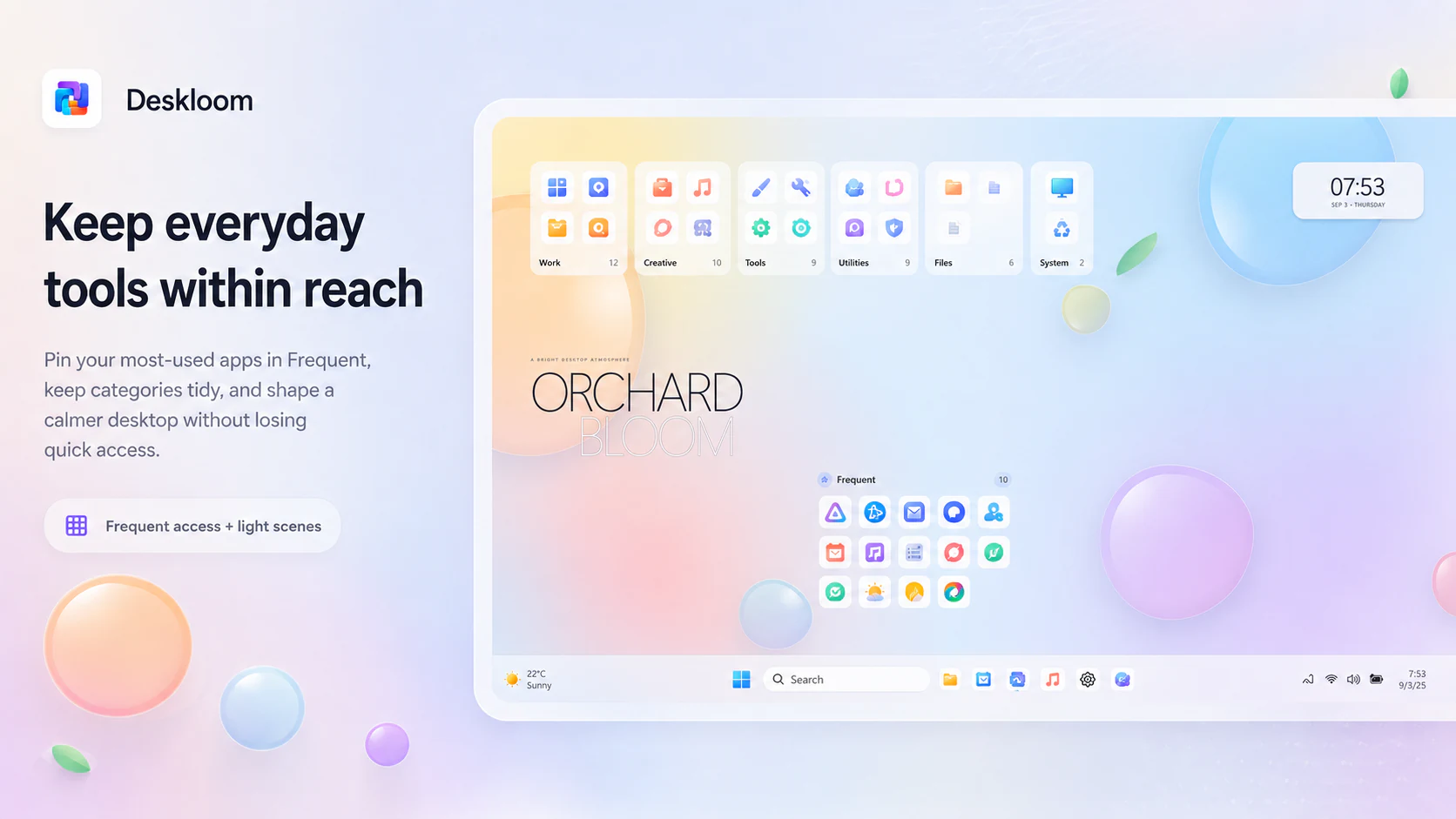
Everyday tools within reach
03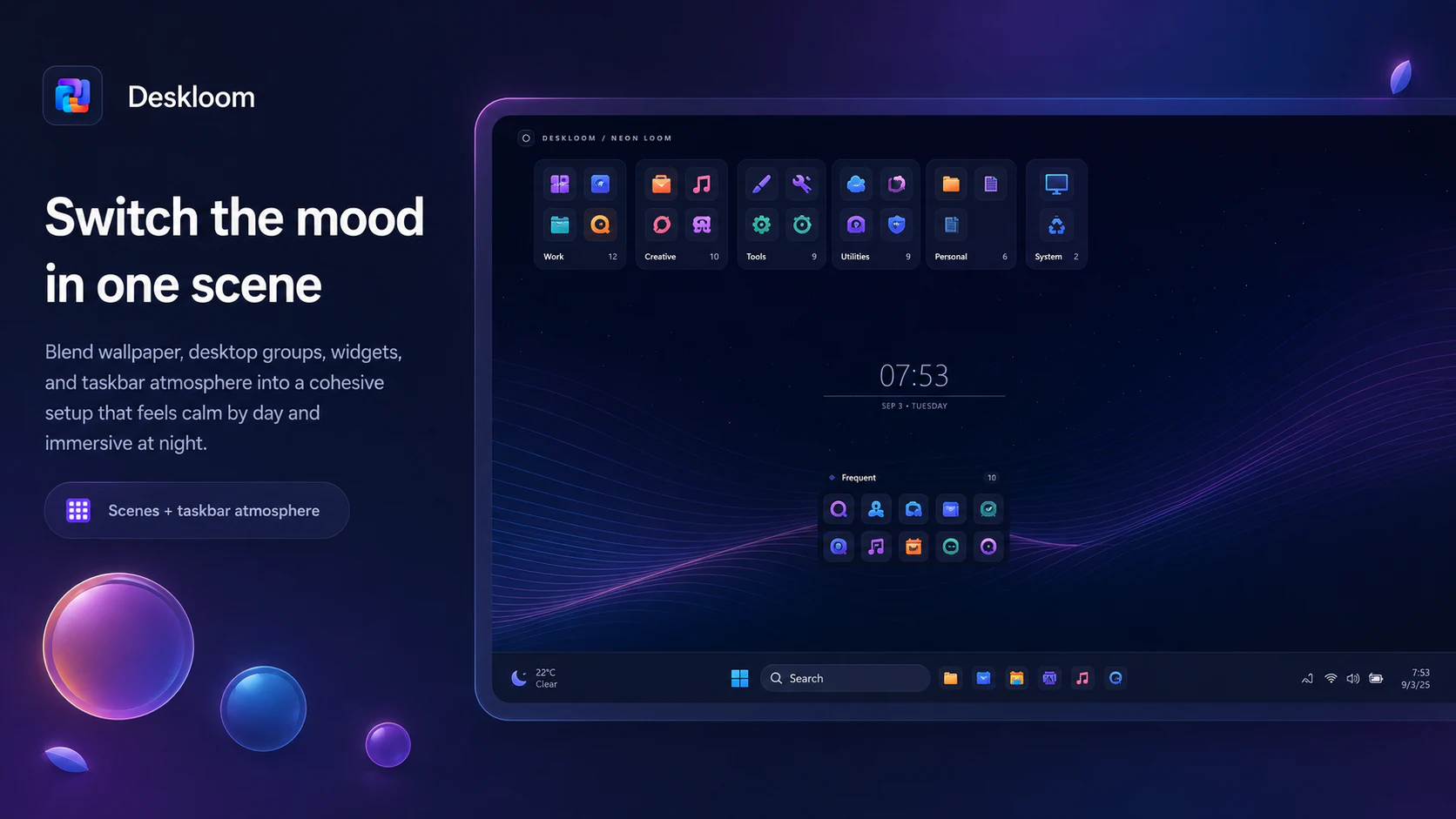
Neon Loom after dark
04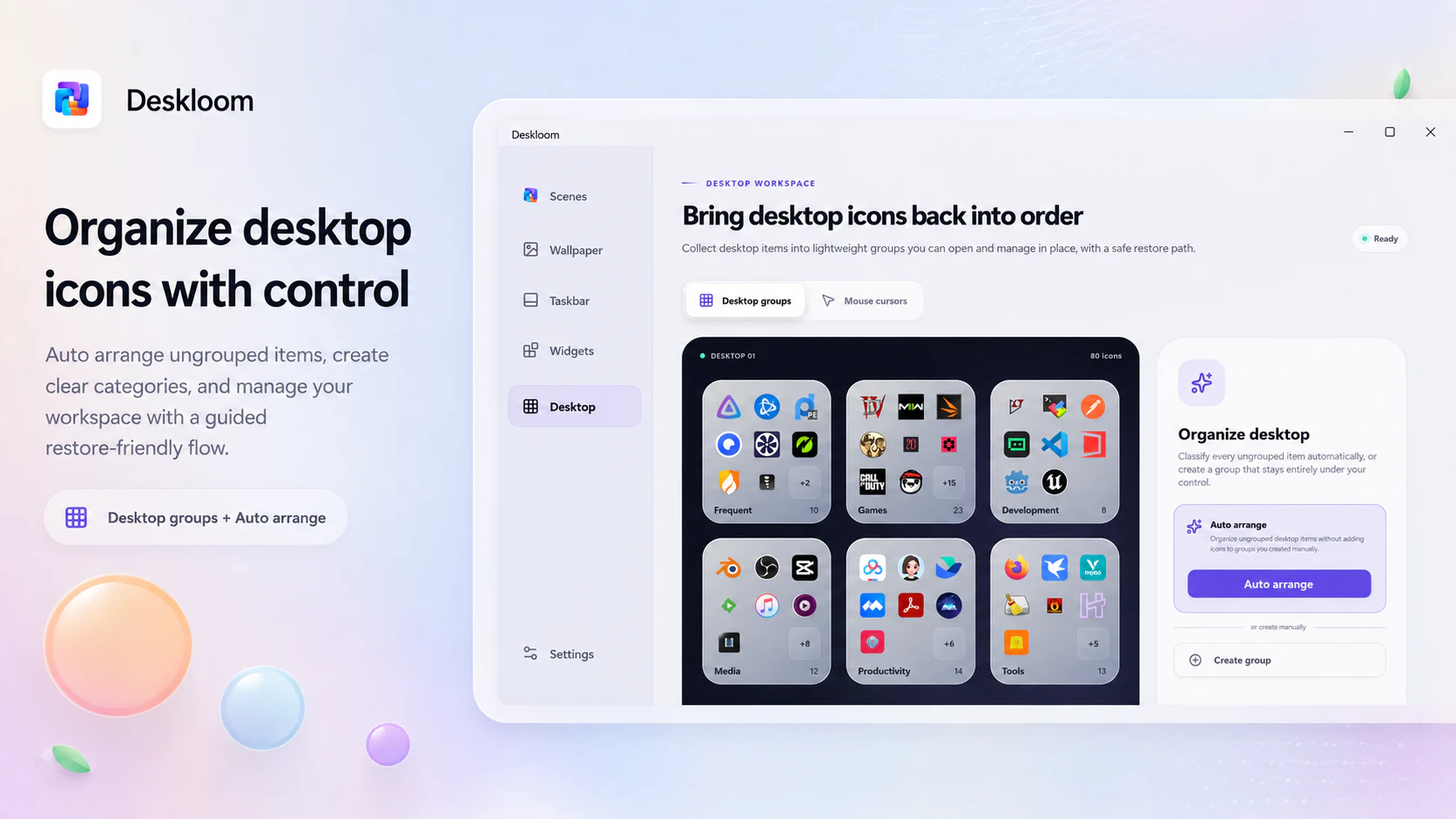
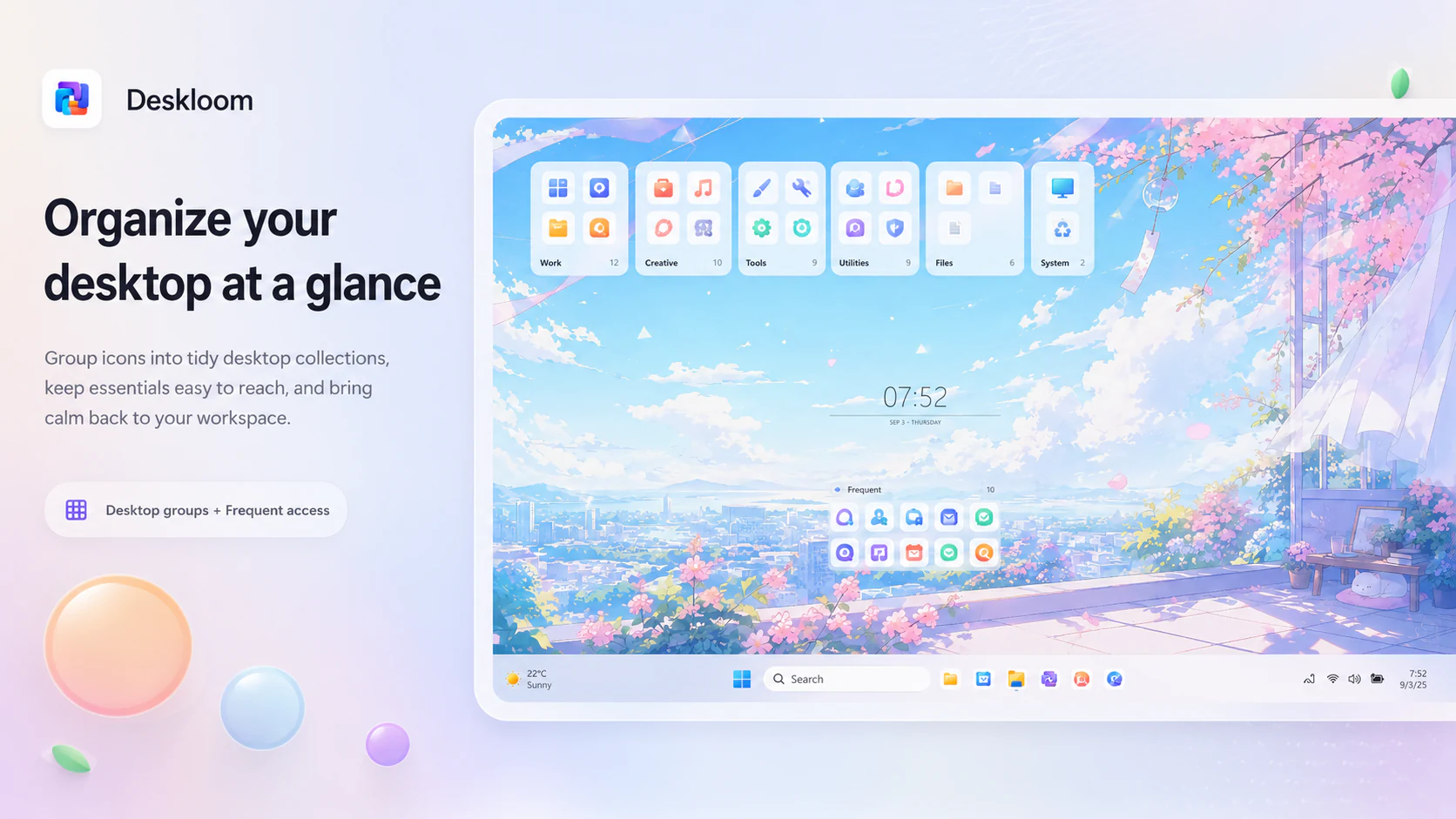
Guided desktop organization
05The desktop—not an overlay
Keep the native Windows experience. Change only what you mean to change.
01
One scene, one complete desktop
Coordinate wallpaper, taskbar style, widgets, workspace layout, desktop groups, and cursors as one reusable scene.
02
Five taskbar personalities
Choose System Default, Crystal Clear, Atmosphere Glass, Immersive Solid, or Floating Dock—with a real restore path.
03
Living Widgets
Place clocks, system readings, Quick Notes, network throughput, storage, and battery cards directly on the desktop.
04
Groups without moving files
Organize existing desktop items into visual groups while their files stay exactly where Windows keeps them.
05
Local by default
No account, telemetry, ads, cloud sync, online gallery, or runtime network connection is required.
06
Reversible Windows changes
Capability checks, recovery journals, rollback, and Restore Windows defaults are part of the design—not an afterthought.
Release status
Deskloom 1.0 is available now.
Get Deskloom 1.0 from Microsoft Store and bring wallpaper, taskbar styles, desktop widgets, icon groups, and cursors together in reversible Windows scenes.
The images on this page come from the published Microsoft Store release.
SYSTEM REQUIREMENTS
- OS
- Windows 11 25H2+
build 26200 or later - Architecture
- x64
- Account
- Not required
- Internet
- Not required at runtime

Deskloom FAQs
Which Windows versions does Deskloom support?
Deskloom requires x64 Windows 11 version 25H2 (build 26200) or later. Windows 10 and earlier Windows 11 releases are not supported.
Does Deskloom need an account or an internet connection?
No account or runtime internet connection is required. Scenes, settings, imported assets, and layouts are stored locally in your Windows user profile.